

Look up the Chinese
on any screen.
An offline reading companion for the Chinese you can see but can't select: comic bubbles, game menus, your phone set to Chinese.
Coming soon to the App Store-
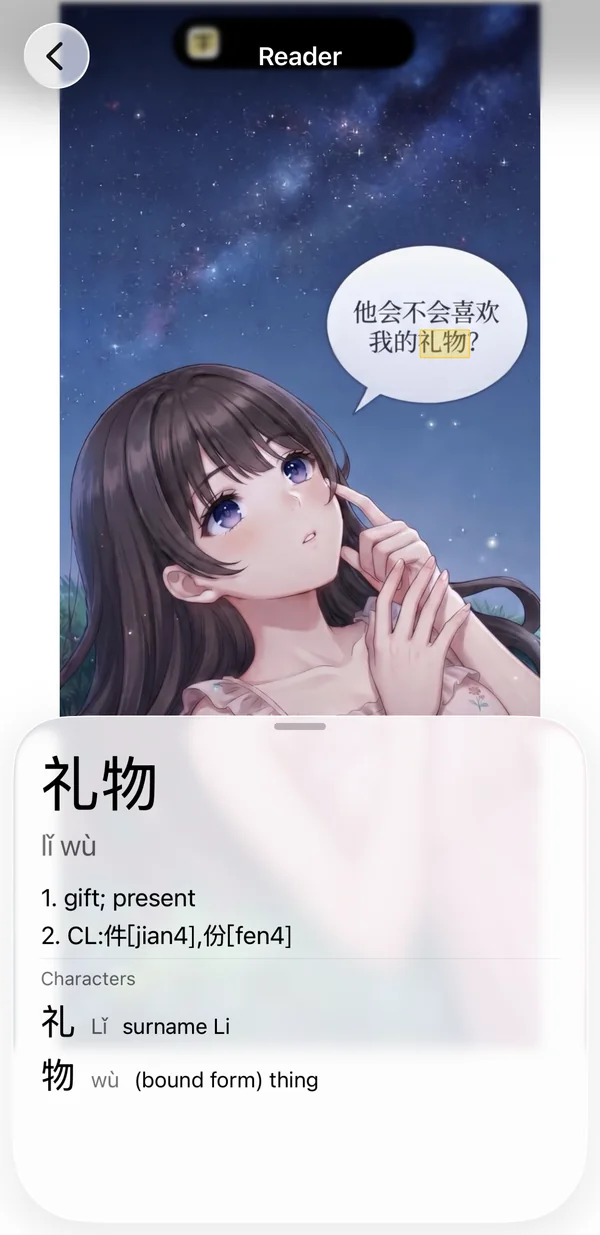
One tap to look upStuck on a word? Tap it. Pinyin and meaning appear right there. -
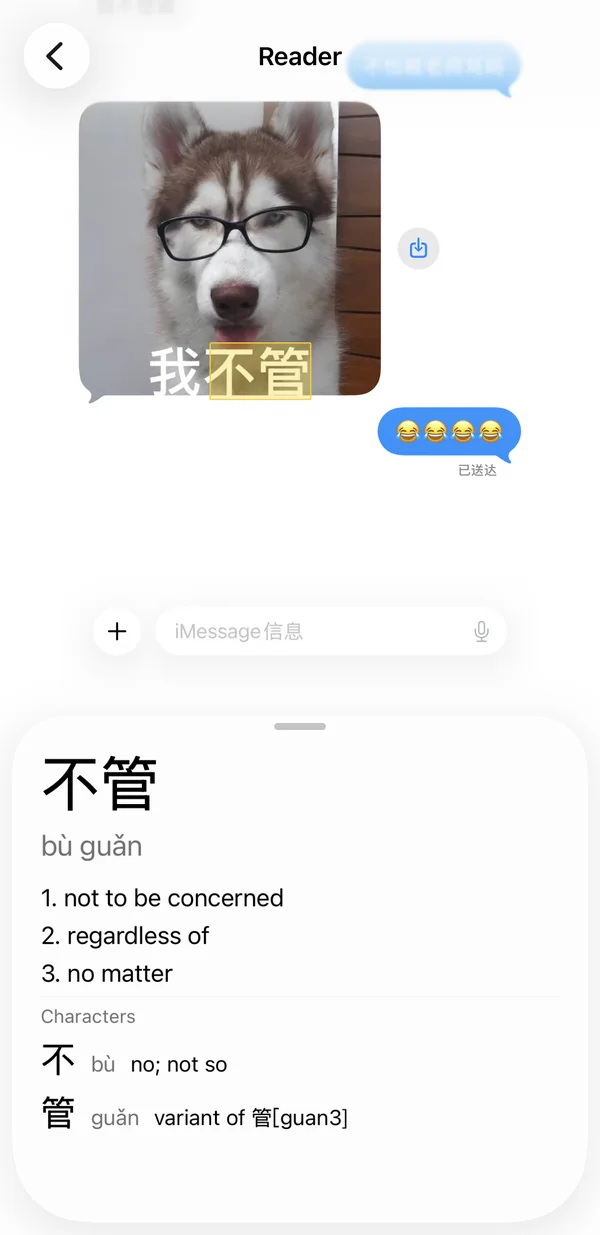
Any screen, even imagesManhua, memes, games, menus. If you can see it, you can look it up. -
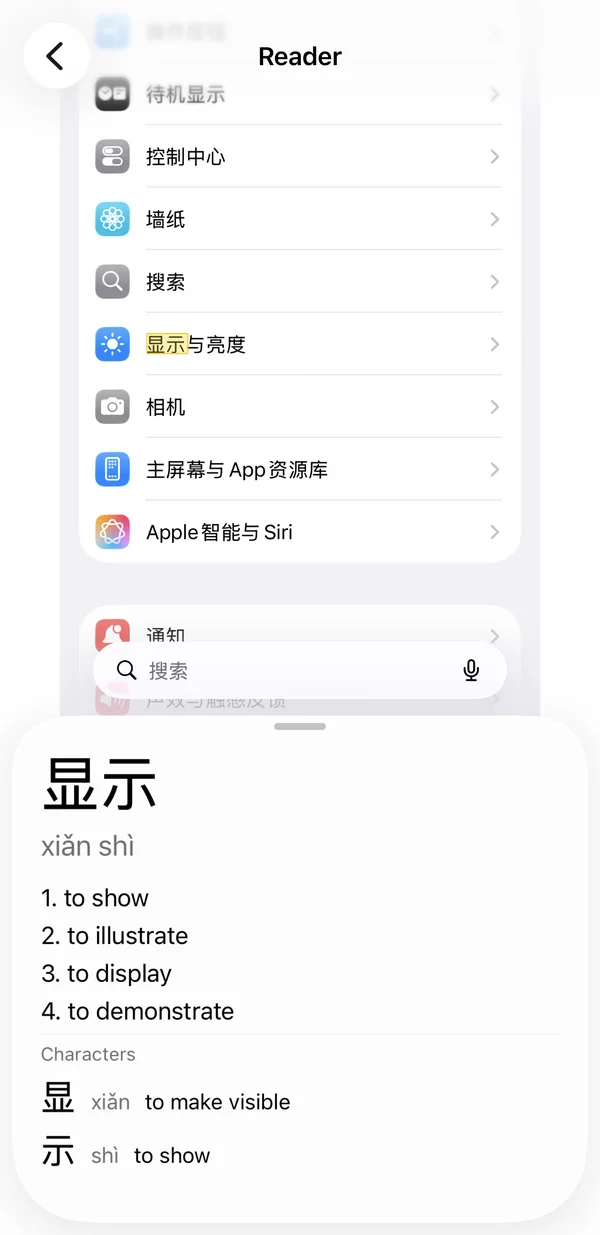
Stay in ChineseNo full translation. Just the word you need, then back to reading.
How it works
-
Add the shortcut once
Open Glozi and tap Set up the shortcut. It takes a screenshot of whatever you are reading and opens it in Glozi.
-
Run it while you read
From Control Center, Back Tap, the Action Button or Siri. Any app, any screen.
-
Tap the word that stopped you
See its pinyin, its meaning and what each character means. Then swipe the card away and keep reading.
Why it never translates the whole page
Translating everything takes you out of the language. Glozi helps with the one word in your way, so you keep reading in Chinese.
- Free
- No account, no ads, no tracking
- Works offline
- About 125,000 dictionary entries
- Built for Simplified Chinese
- iPhone